


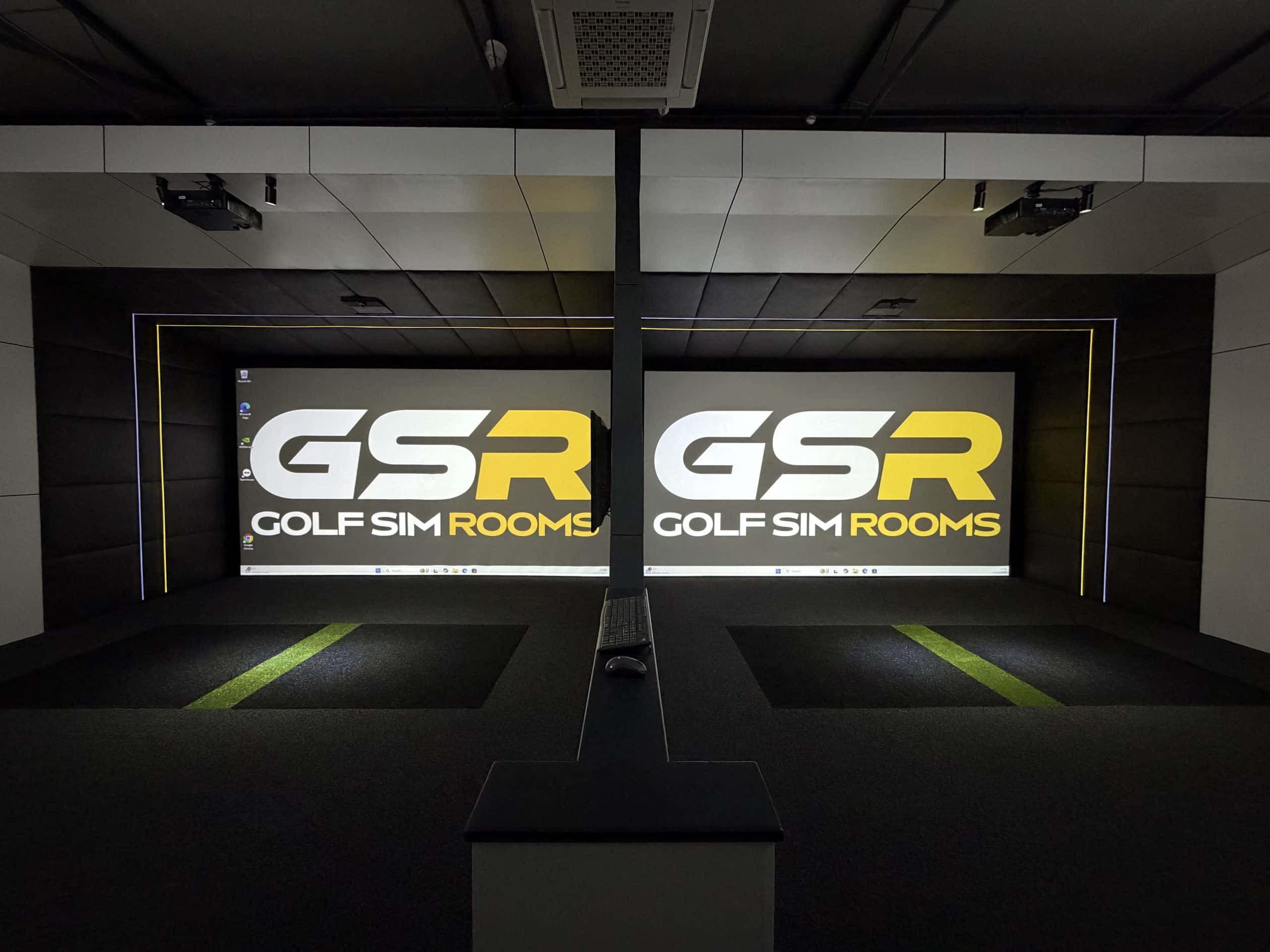
Camera launch monitors photograph the ball and club at impact and calculate the flight, while radar launch monitors track the ball as it travels. For a home golf simulator, the choice mostly comes down to your room. Radar units placed behind the golfer need several metres of depth for the ball to fly before it hits the screen, while camera units sit beside the ball or on the ceiling and read the shot in the first few centimetres. In most UK homes, where depth is limited, a camera based or ceiling mounted unit is usually the better fit.
Accuracy is rarely the deciding factor any more. The leading systems in both camps are trusted by tour players and coaches. What separates them in a home is how much space they need, where they have to be positioned, whether left and right handed golfers can share the room without moving anything, and whether you need special balls or club stickers. Below, we explain how each technology works and how we match them to real rooms.
How radar launch monitors work
Radar units use the Doppler effect. FlightScope explains that the unit sends out a microwave signal, the moving ball reflects some of it back, and the change in frequency tells the system how the ball is travelling along its whole trajectory.
Outdoors, that is a huge advantage, because the radar is measuring real flight over hundreds of metres. Indoors, the ball only travels a few metres before it hits the screen. Titleist points out that in that short distance the ball may only rotate once or twice, which makes spin harder to read. That is why many radar units recommend balls with special markings, such as Titleist RCT balls or metallic dots, for accurate spin indoors.
Most radar units also sit behind the golfer, which means the room needs space behind the ball as well as in front of it.
- TrackMan 4. TrackMan’s room guidance gives a minimum of 1.8m from the unit to the ball and 3m from the hitting area to the screen, with optimal figures of 2.1m and 3.65m.
- FlightScope Mevo+. FlightScope recommends 7 to 9 feet from the sensor to the tee and at least 8 feet of ball flight, with aluminium dots or RCT balls for accurate spin.
- Garmin Approach R10. Garmin notes that the radar based R10 needs to sit behind you, and that RCT balls give more confident spin readings.
Add those distances together and a behind the golfer radar unit can need well over 5 metres of room depth before you account for the screen frame. Many UK garages and garden rooms simply do not have that.
How camera launch monitors work
Camera, or photometric, launch monitors use high speed cameras to capture the ball and club in the moments around impact. From those images they measure ball speed, launch angle, spin and club data, then calculate the flight. Because the measurement happens within centimetres of the ball, they need very little space in front of the hitting position.
There are two main layouts.
- Floor units beside the ball. The Foresight GC3 and GCQuad, the Bushnell Launch Pro, the Uneekor EYE MINI and the Garmin R50 sit on the floor to the side of the hitting area. Foresight’s manuals place the GC3 about two feet from the hitting area. These units are compact and accurate, but they need to be on the correct side of the golfer. Uneekor confirms that its floor units must be moved to the opposite side of the hitting area for left handed players.
- Overhead units. The Foresight Falcon and Uneekor EYE XO2 mount on the ceiling, out of the way of the swing. The Falcon’s hitting zone covers left and right handed golfers without moving the unit, and Uneekor’s overhead units switch handedness in software.
Camera units have their own quirks. Foresight’s club data needs small markers stuck to the clubface, and the Uneekor QED uses marked balls. Most Uneekor units, and Foresight’s ball data, work with ordinary white balls.
Hybrid units and where TrackMan iO fits
The line between camera and radar has blurred. Several popular units now combine both.
- TrackMan iO is ceiling mounted and, according to TrackMan, combines radar, infrared and high speed imaging to measure ball and club data, including 3D spin, without stickers on the ball or club. TrackMan states there are no minimum distance requirements in front of or behind the ball, and recommends a ceiling of around 3m or more.
- SkyTrak+ pairs a camera system for ball data with dual Doppler radar for club data.
- Rapsodo MLM2PRO combines optical cameras with radar processing, and needs Rapsodo’s RPT balls to display spin.
As a TrackMan authorised dealer, we often point clients towards iO when they want TrackMan’s data and software but do not have the depth for a TrackMan 4 behind the golfer.
Space comparison at a glance
| Type | Examples | Position | Main space demand | Left and right handed |
|---|---|---|---|---|
| Radar behind golfer | TrackMan 4, Mevo+, Garmin R10 | Floor, behind the ball | Room depth | Usually no move needed |
| Camera on the floor | GC3, GCQuad, Launch Pro, EYE MINI, Garmin R50 | Floor, beside the ball | Side clearance | Unit moves sides |
| Camera overhead | Foresight Falcon, Uneekor EYE XO2, QED | Ceiling | Ceiling height | Switch in software |
| Hybrid overhead | TrackMan iO | Ceiling | Ceiling height | Switch in software |
Ceiling height changes the answer
We work to a minimum of 2.7m of clear ceiling height at the hitting position, with 2.9m as the comfortable figure we recommend. From our installation data, roughly 1 in 4 customers initially underestimate the ceiling height they need for a driver swing.
Overhead units raise that bar. Uneekor states that its overhead units are designed to be mounted between 9 and 10 feet off the ground, measured from the hitting area to the bottom of the bracket. Nine feet is about 2.74m, so a room built to the bare 2.7m minimum is too low for one. TrackMan recommends around 3m or more for iO.
That is why we measure before recommending any hardware. A room with a generous ceiling but limited depth suits an overhead unit. A room with plenty of depth but a low ceiling may suit a floor camera or a radar unit behind the golfer instead. Our guide to how much space golf simulators need sets out the full measurements.
Lighting matters for cameras
Camera based systems rely on seeing the ball clearly. Some units need a minimum light level for certain data, and FlightScope, for example, states its Fusion Tracking needs at least 300 lux to capture face impact location. At the same time, bright light aimed at the screen washes out the projected image.
We solve this at design stage with separate lighting for the hitting area and the screen, positioned behind the golfer. We cover the approach in more detail in how we get rid of glare in a golf simulator room.
Which is right for your room?
In our experience, camera based and ceiling mounted systems work better than behind the golfer radar in most UK home simulator rooms because they read the shot within centimetres of impact, so the room does not need the extra metres of depth that radar demands. That depth is usually the dimension a garage or garden room is shortest on.
From working with clients across more than 1,000 installations, our general recommendations look like this.
- A sensible entry point. SkyTrak+ gives reliable data at a lower price and suits compact rooms.
- Comprehensive data for mid to high budgets. Uneekor’s overhead units such as the QED give full ball and club data and keep the floor clear.
- Professional grade accuracy. The Foresight GCQuad suits clients with a larger budget who want tour level camera data.
- TrackMan data and software. TrackMan iO suits rooms with a good ceiling height, and TrackMan 4 suits rooms with generous depth.
We also ask who will use the room. A household with left and right handed golfers will find an overhead unit far easier than a floor camera that has to be picked up and moved for every change of player. And we always match the unit to the golfer, not the brochure. We once advised a client with a 28 handicap against buying TrackMan, even though we are a dealer, because his game did not need that level of data.
Do not forget the software
Your launch monitor also decides which simulator software you can run. Some units work with a wide range of platforms, while others are tied to their own. Check that the courses, practice tools and online play you want are supported before you buy.
Summary
Neither camera nor radar is better in every situation. As GOLF.com puts it, they are built differently for different jobs. For a home simulator, the right choice depends on your ceiling height, room depth and width, who will be playing, and your budget.
Golf Sim Rooms designs every golf simulator room around the space first and the hardware second. Contact us to book a consultation and we will measure your room and recommend the launch monitor that genuinely suits it.