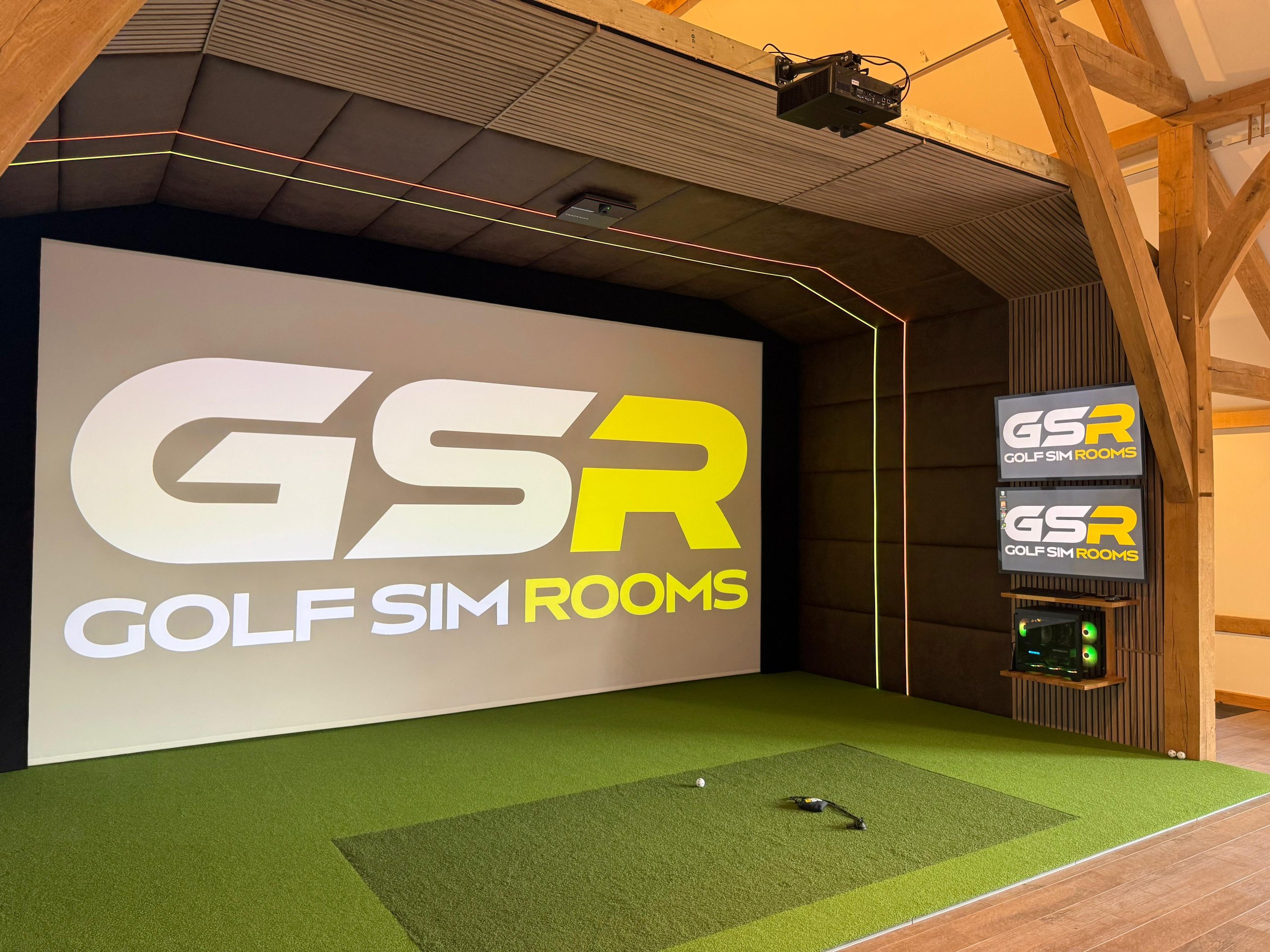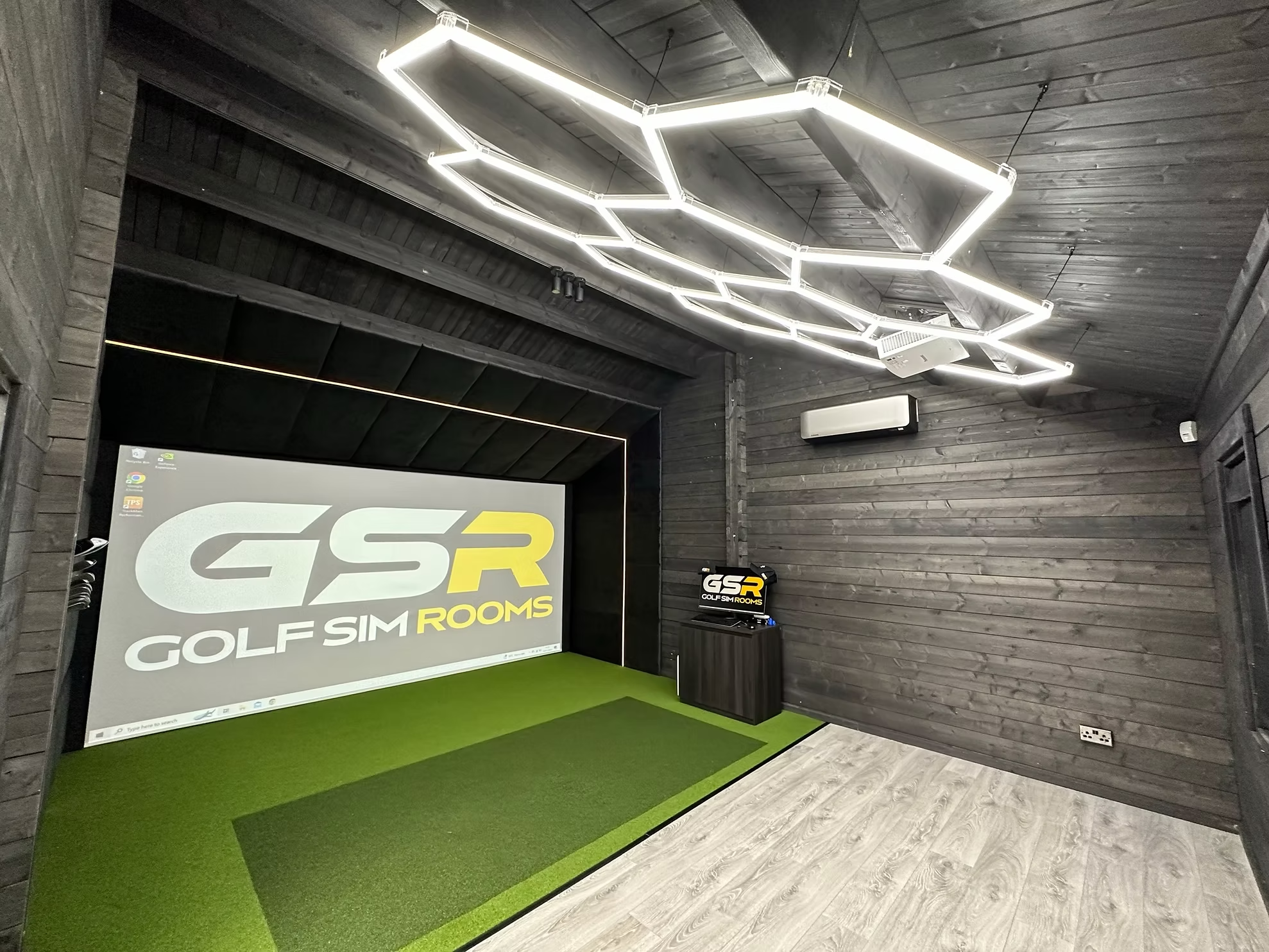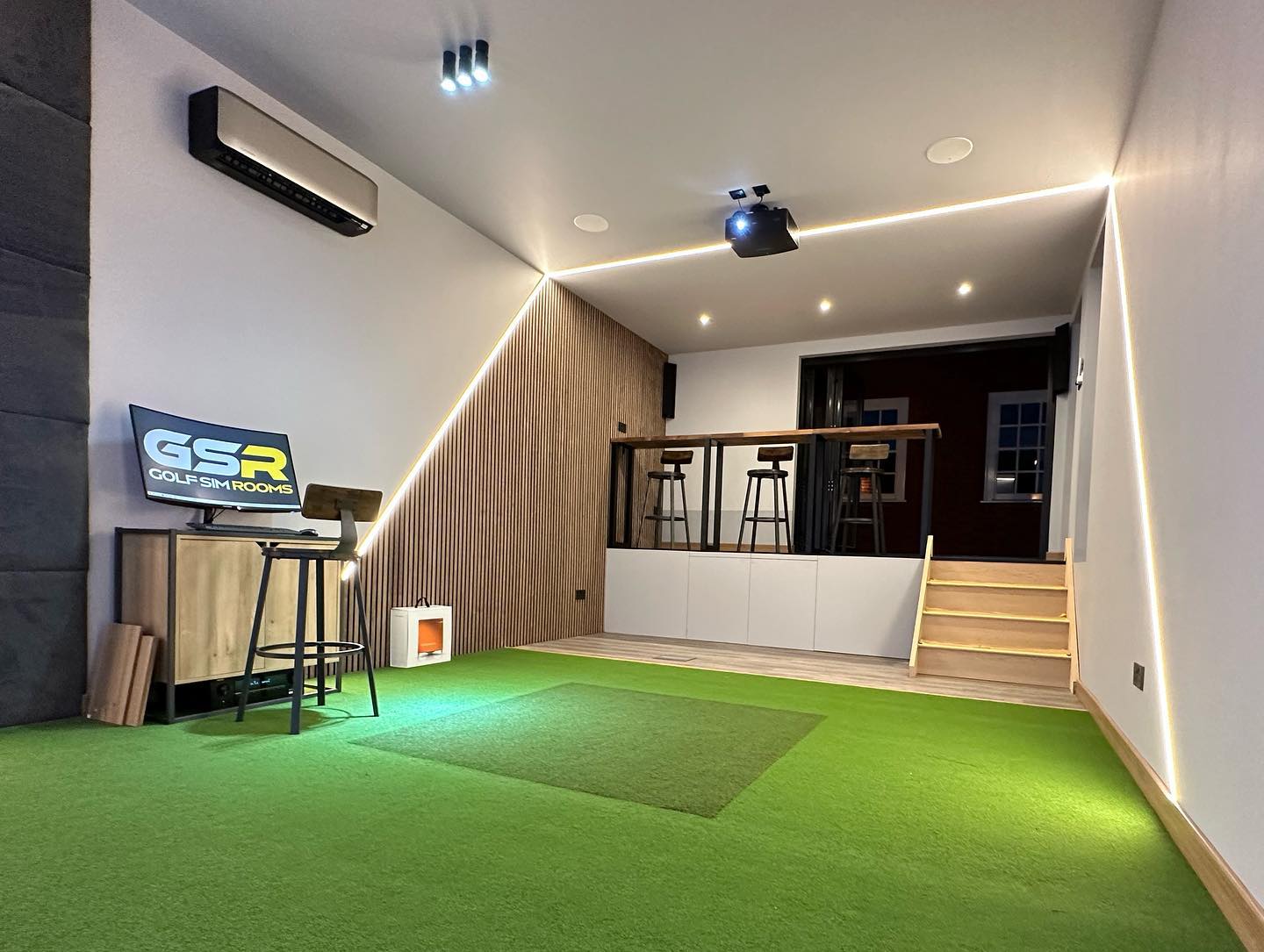


The most effective way of heating a golf simulator room through a UK winter is to insulate the space properly first, then add a heat source that warms the room quickly without blowing air across the hitting area. In most of the rooms we build, that means infrared panel heaters mounted behind the golfer or above the seating area, controlled by a thermostat or smart timer, with a low background setting that keeps damp and condensation away from the screen and electronics.
Get those three things right, and a garage, log cabin or garden room will be comfortable within minutes on a January evening. Get them wrong and the room sits unused from November to March, which is exactly when it should be earning its keep. Below, we explain how we approach heating in our own builds, what works, what doesn’t, and the mistakes worth avoiding.
Start with insulation, not the heater
At Golf Sim Rooms, we have completed more than 180 simulator installations across the UK, and the rooms that are hardest to keep warm are almost never short of heating power. They are short of insulation. A heater in an uninsulated garage is largely heating the driveway.
The usual culprits are easy to spot once you know where to look. Metal up-and-over garage doors, single-skin brick walls, bare concrete floors and uninsulated roofs all leak heat as fast as you can put it in. Until those are dealt with, even a large heater will struggle, and your running costs will reflect it.
In our experience, spending on insulation works better than buying a more powerful heater because an insulated room holds its temperature between sessions, warms up faster when you switch it on and costs less to run every winter you own it. The heater is the smaller part of the job.
Timing matters too. From working with clients on garage retrofits, we’ve found that adding insulation and acoustic panels after the fact costs around 40% more than building them in from the start. With the structural shell typically accounting for around 55% of total project cost, it pays to get the walls, floor and roof right once.
This is one reason our garage conversions include a structure and finish upgrade rather than simply fitting equipment into the existing space. Purpose-built log cabins start with an insulated shell as standard, which makes them among the easiest rooms to keep warm through a cold snap.
Why we recommend infrared panel heaters
In our experience, infrared panel heaters work better than standard convection heaters in simulator rooms because they warm people and surfaces directly rather than relying on moving air. That means they heat the room quickly without pushing air across the hitting zone, where it can affect launch monitor readings.
There are practical benefits beyond accuracy. Infrared panels are slim and can be fixed flat to a wall or ceiling, so they take up no floor space in a room where every metre counts. They have no fan, so there is no background hum competing with the simulator’s sound or a film on the big screen. Because they warm you rather than the air, the room feels comfortable soon after switching on, which suits the typical pattern of an hour’s practice after work.
Where to put the heaters
Placement is where many DIY setups go wrong, and it is something we plan at design stage on every build.
Keep the ceiling above the hitting position clear. The minimum clear height we work to is 2.7 metres at the exact point where you swing, and roughly 1 in 4 of our customers initially underestimate the height they need for a driver. A ceiling panel directly above the hitting mat eats into that clearance and sits in the path of a full backswing. We position ceiling panels behind the golfer or over the seating area instead.
Stay away from the flight path. Nothing fragile or hot should sit near the impact screen, the enclosure sides or anywhere a mishit could travel. Stray shots happen, even in well-designed rooms.
Protect the technology’s line of sight. Heaters should never be mounted where they obstruct the launch monitor’s view of the ball or sit close to the projector’s air vents. Projectors produce their own heat and need to breathe.
Warm the people, not the corners. With infrared, the aim is to direct warmth towards where you stand and sit. A panel angled at the seating area keeps spectators comfortable, while one behind the hitting position keeps the golfer warm between shots.
Controls, timers and background heat
A warm room only gets used if it is warm when you want it. Smart thermostats and app-controlled heaters let you switch the heating on from your phone on the way home, so the room is ready as soon as you walk in rather than half an hour later.
We also recommend a low background setting through the coldest months. Outbuildings that are left to go completely cold, then heated quickly, are prone to condensation forming on cold surfaces. That moisture is bad news for an impact screen, a projector, a simulator PC and a launch monitor. Keeping a little heat in the room protects the equipment and means the space warms up faster when you use it. It is also worth checking the operating temperature range for your launch monitor and projector, which manufacturers publish in their specifications.
Get the heating and controls right and the cold months become the most valuable part of the year. It is a big reason we say winter is the best time to own a golf simulator, provided the room is comfortable enough to use.
Electrics and safety
Heating adds a significant electrical load to a room that already runs a projector, a PC, a launch monitor and lighting. In most outbuildings and garages, that means a properly designed supply rather than a heater plugged into an extension lead.
It is also a legal consideration. Under Part P of the Building Regulations, the rules cover electrical installations in outbuildings such as detached garages and sheds, and installing new circuits counts as notifiable work. In practice, use a registered electrician who can certify the work, and keep the paperwork, as it matters when you sell the property.
Other heating options and where they fit
Infrared is our first choice, but it is not the only option, and some rooms suit a combination.
Oil-filled radiators are silent and gentle, but they are slow to warm a room, take up floor space and are vulnerable to stray balls if they sit anywhere near the hitting area.
Fan heaters warm a space quickly, but they are noisy and move a lot of air, which is exactly what you want to avoid around the hitting zone. They are best kept for short-term use while a room is under construction.
Air-to-air heat pumps, often sold as air conditioning units, are efficient and can cool the room in summer too. They do move air, so if you choose one, position it and angle the airflow well away from the hitting area and the screen.
Whichever you choose, it should be sized for an insulated room. If a room needs an oversized heater to feel warm, the problem is usually the building, not the heating.
The heating mistakes we see most often
Forgetting heating altogether is one of the most common mistakes people make before buying a golf simulator, and it is usually discovered in the first cold snap. Beyond that, the issues we are most often asked to fix are these.
- A heater fixed above the hitting position, reducing ceiling clearance and sitting in the swing path.
- Portable heaters running from extension leads alongside the simulator equipment.
- Heating an uninsulated garage and wondering why the energy bill climbed while the room stayed cold.
- Leaving the room completely unheated between sessions, leading to condensation on the screen and electronics.
- Fan-based heaters blowing air across the hitting area.
Every one of these is easier and cheaper to avoid at design stage than to put right later.
Planning heating into your build
If you are planning a simulator room this autumn, treat heating as part of the design rather than an accessory. Ask how the walls, floor, roof and door will be insulated, where the heaters will go in relation to your swing, how they will be controlled and how the electrics will be certified. A good installer should have clear answers to all four.
Our consultations cover heating alongside the room size, technology and lighting, so the finished space is comfortable from the first cold evening. Whether you are converting a garage, adding a garden room or choosing a purpose-built cabin, book a consultation with our team or request a brochure to see how we build warm, year-round golf simulator rooms.